
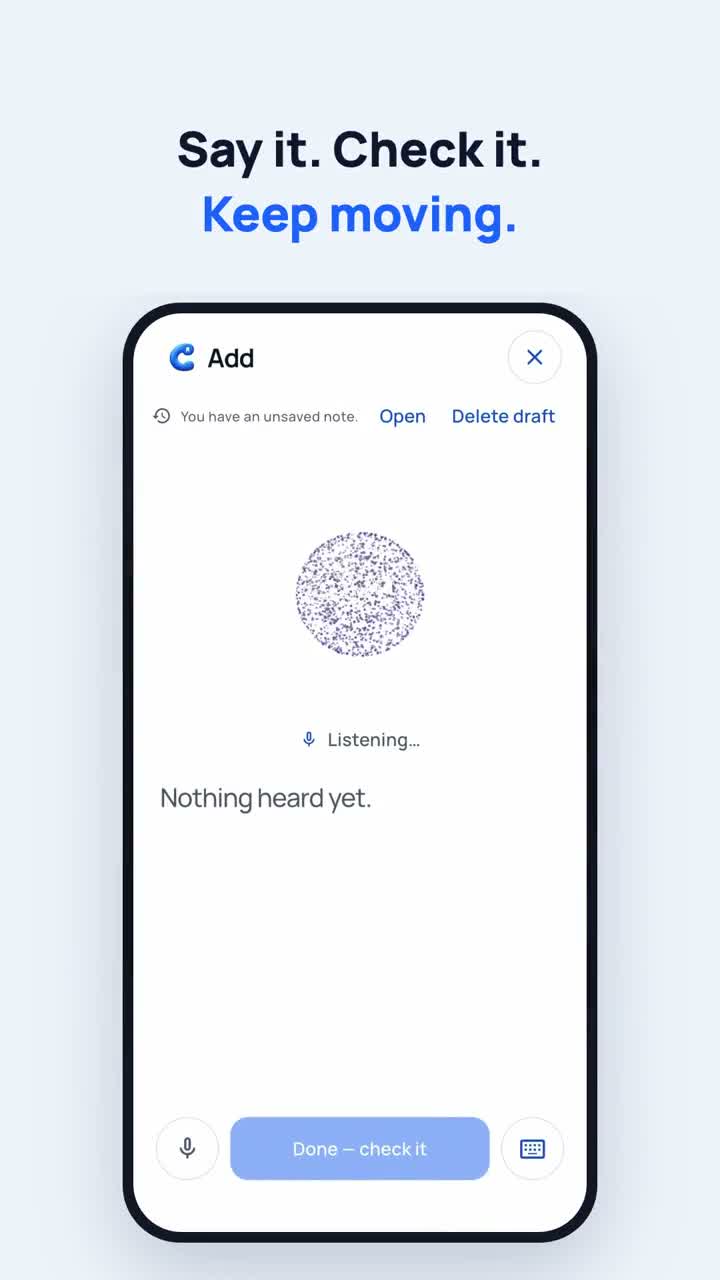
Say what you want to remember
After a conversation, open Cali in Callmory. Try: “Remind me to send Maya the proposal tomorrow at eleven.” Review the app’s AI consent and privacy information before sharing personal details.
Check the person, date and text
Speech recognition can mishear a name. If more than one person has that name, choose the right person. Review the note and the displayed date before saving. An ambiguous request is not a confirmed record.
Save, then check the result
After confirming, check the saved note and follow-up. A date shown in a demonstration is example data; the date on your own record is what matters. Check your phone’s notification permissions if you want alerts.
A voice note is not a phone-call recording
You tell Cali your own summary. This flow does not automatically record the other person’s phone conversation. If you prefer not to use AI, you can type your note instead.
Start with your own example
For your first try, choose a short note without sensitive information. Say it, review it, save it and open the record again.
See it in Callmory
English video · Example data